If you sell software, themes, plugins or files with Easy Digital Downloads, put the answers to buyers' questions in plain text on each product page. Cover what's included, file formats, version, requirements, updates, support and licence terms. An AI shopping assistant such as ChatGPT, Gemini or Perplexity can only repeat what it can read. If the page doesn't say how many sites a licence covers, the assistant has nothing to tell the buyer.
How many sales come through AI assistants today is unclear, and nobody should quote you a number. The fix is cheap, though. These are the same questions human buyers ask, and answering them on the page helps both.
The facts buyers ask about a download
Go through each product and check that the page answers these in words:
- What's included: the files, the documentation, any demo content, any extras.
- File formats: for example ZIP, PDF, PSD or SVG, and what's inside each one.
- Version: the current version number and the date it was last updated.
- Requirements: the WordPress version, the PHP version, any other plugin it depends on, or the software needed to open the file.
- Updates: whether updates are included, for how long, and how the buyer receives them.
- Support: where to ask, how long replies usually take, and how long support lasts.
The licence terms buyers ask about
Licence terms are where digital products most often go quiet. A buyer, or an assistant answering for a buyer, wants to know:
- How many sites or projects one licence covers.
- Whether commercial use is allowed.
- Whether the buyer can use it for client work.
- Whether the buyer can resell or redistribute the files.
- What happens when the licence expires, if it does.
- Whether there is a refund policy, and what it says.
If your answer to any of these is "it depends", say what it depends on. A clear "one site, personal and commercial use, no resale" is more useful than a link to a long legal page that nobody summarizes.
How to write it on the product page
Write the answers as ordinary sentences or short lists in the product description. Don't leave them only in an image, a screenshot of a table or a downloadable PDF. Nobody outside the AI companies knows exactly how each assistant reads a page, so plain text is the safest bet. It also reads well for people.
Use the same labels in every product, such as "Requirements" and "Licence". Keep each answer to one or two short sentences. Here is a made-up example:
- Included: plugin ZIP, setup guide (PDF), 12 months of updates.
- Requirements: WordPress 6.0 or newer, PHP 7.4 or newer.
- Licence: one site. Commercial use allowed. No resale or redistribution.
- Support: by email through the support form, for 12 months.
The version number and update date should change when the product does. An out-of-date line is worse than a missing one, because it gives a wrong answer with confidence.
Check your whole catalog, not one product
It's easy to fix your best seller and forget the other forty products. Agent Ready Shops is a free WordPress plugin that scores your store from 0 to 100 on what AI assistants rely on. For Easy Digital Downloads it runs eleven checks, including the facts and licence terms buyers ask about. They run inside your own WordPress site, usually in under a minute.
It looks at up to 100 published products, favoring the newest and best sellers, and shows the three fixes that matter most. You don't need an account. The audit runs on your site and sends nothing. The only thing that can leave your site is the optional AI shopper test, which uses your own Anthropic API key and shows exactly what it would send before you click.
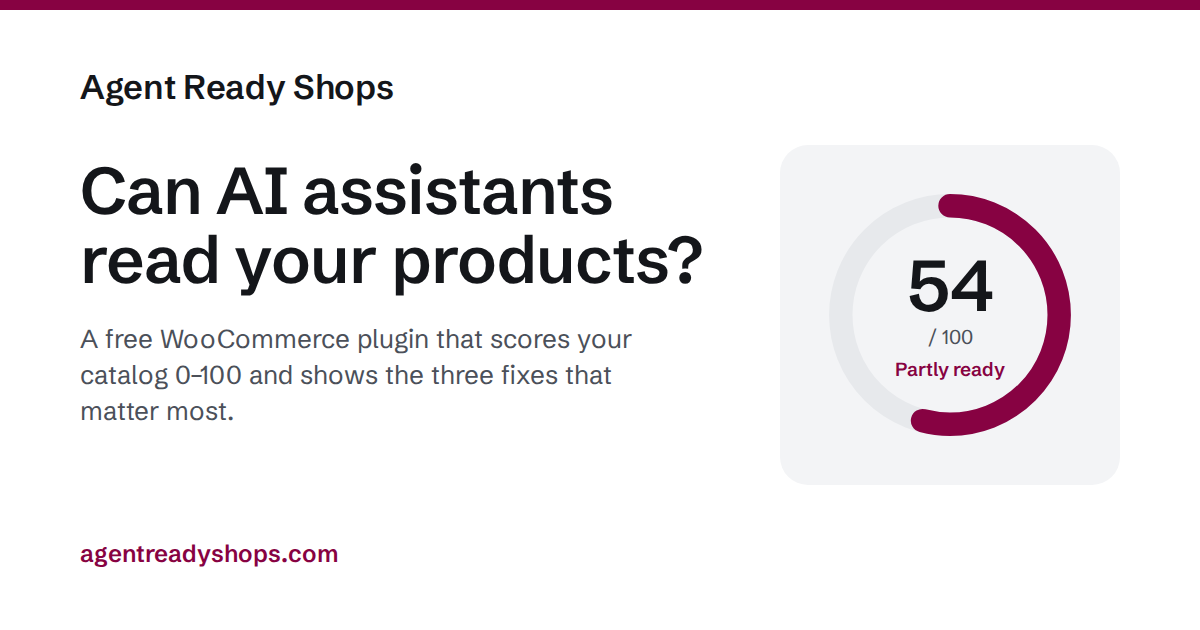
The score below is a sample report, not real data.
To install it, go to Plugins > Add New > Upload Plugin, choose the zip, then Activate. Run it from Downloads > Agent Ready Shops.
For the wider picture, including identifiers and structured data, read what AI shopping assistants can't read in your product data. Blocking AI training bots such as GPTBot, ClaudeBot and Google-Extended is your choice, and it costs no points.
Download the free plugin and see your own score. It's free, needs no account and runs on your own site.