If you run a WooCommerce or Easy Digital Downloads store, the news about Gemini shopping and checkout raises one question: what should you do about it? The short answer is to make your product data complete and clear. How Gemini picks products is unclear, and so is how much it sells. But the things you control are known: identifiers, attributes, descriptions, categories and structured data.
What is known and what is not
Google says a new checkout feature is coming to eligible product listings in the Gemini app and AI Mode in Search, so shoppers can buy from eligible US retailers while they research, and that it plans to expand globally. For now that checkout is US-only, so what shoppers see depends on where they are. Before you act on any specific feature, read Google's own announcement for it. This post doesn't describe how any Gemini feature works in detail.
Here is what nobody has told you in a way you can rely on:
- How Gemini decides which products to show.
- How many sales come through Gemini or any other AI assistant today. That number is unclear, so you won't find one here.
- Which single change would move your products up.
Anyone who gives you a confident answer to those three is guessing.
What you control
An assistant can only repeat what it can read. If a product page leaves out a fact, the assistant has nothing to say about it. These are the gaps that show up most:
- Identifiers. A missing GTIN, brand or SKU makes it hard to tell your product from a similar one.
- Attributes. Size, material, color, compatibility and weight often sit in a photo or a paragraph instead of a field.
- Descriptions. Short, vague or copied supplier text gives a buyer's question nothing to match.
- Categories. Products dumped in "Uncategorized" are harder to place.
- Structured data. Price, availability, brand and identifiers should be in markup, not only on the screen.
- For digital downloads: file formats, version, requirements and licence terms. Buyers ask about these before they pay.
We go through more of these in what AI shopping assistants can't read in your product data.
How to find the gaps in your store
You could check every product by hand. For a large catalog, that takes a long time. Agent Ready Shops is a free WordPress plugin that does it for you. It scores your store from 0 to 100 on what ChatGPT, Gemini and Perplexity rely on.
- It runs 14 checks for WooCommerce and 11 for digital downloads.
- It runs inside your own WordPress site, usually in under a minute.
- It looks at up to 100 published products, favoring the newest and best sellers.
- It shows the three fixes that matter most.
It is free and needs no account. The audit runs on your site and sends nothing off it. The only thing that can leave your site is the optional AI shopper test. That test uses your own Anthropic API key and shows exactly what it would send before you click.
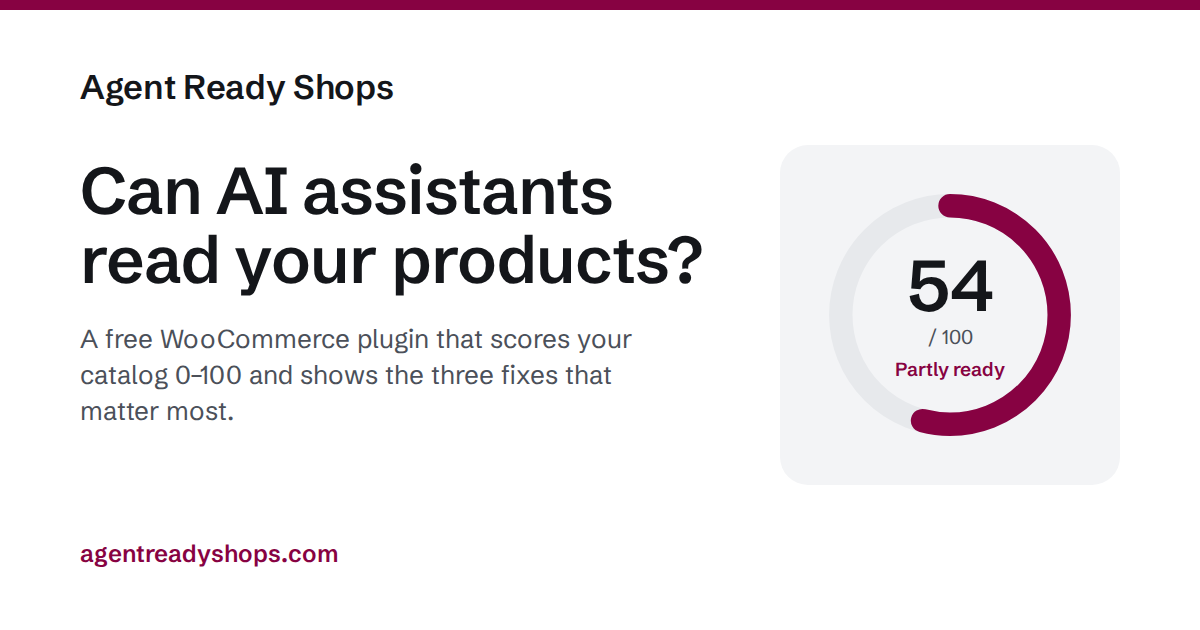
The score in that image is an illustration, not real data.
Install and run it
- In WordPress, go to Plugins > Add New > Upload Plugin.
- Choose the zip and click Activate.
- Open WooCommerce > Agent Ready Shops. On Easy Digital Downloads, open Downloads > Agent Ready Shops.
- Run the audit and start with the top three fixes.
A note on AI training bots
You may have blocked GPTBot, ClaudeBot or Google-Extended. That is your choice, and Agent Ready Shops takes no points off for it.
Using Shopify?
This plugin is for WordPress. If you're on Shopify, check your Shopify store with the free audit there. It needs no install and no sign-in.
Start with the fixes you can make today
Gemini's features will keep changing. Complete product data helps whichever assistant a buyer uses, and you can fix it now. The audit's 14 checks cover what Gemini reads first. If you also want a ChatGPT product feed, see the free ChatGPT feed plugins for WooCommerce, compared. Download the free plugin and see your own score. It's free, needs no account and runs on your own site.