To get your product data ready for AI shopping assistants, fix the basics in this order: identifiers such as GTINs, then attributes, then plain descriptions, then categories, then structured data. If you sell digital downloads, add the facts and licence terms buyers ask about. Nothing here is exotic. It is catalog housekeeping, and most stores have gaps in it.
One thing first. Nobody can say reliably how many sales come through AI assistants today. It is unclear, and this post won't give you a number. The work below is worth doing because clean product data helps with search, feeds and shoppers too, and because it costs you little to be readable if assistants do become a bigger source of customers.
If you want the background on why assistants miss things, read what AI shopping assistants can't read in your product data. This post is the action list.
1. Add identifiers to every product
An assistant has to be sure that your product is the same one it saw elsewhere. Identifiers do that job.
- Add a GTIN (the barcode number, also called UPC, EAN or ISBN) to every product that has one.
- Add a brand name and an MPN (manufacturer part number) where they apply.
- Give every variation its own identifier, not just the parent product.
- Check that SKUs are unique and not left blank.
If you make your own products and they have no barcode, say so in your records and fill in everything else. Don't invent numbers.
2. Fill in attributes
Shoppers ask assistants for things like "waterproof, size 10, under a certain price." If size, color, material or capacity lives only inside a photo or a paragraph, the assistant may skip your product.
- Put each fact in a real attribute field, not only in the title or description.
- Use the same value names across products (always "Navy", not "Navy" on one and "Dark blue" on another).
- Fill in variation attributes fully, so each option is listed.
- Add weight and dimensions where buyers compare them.
3. Rewrite thin descriptions
A one-line description gives an assistant nothing to quote. A wall of marketing copy is not much better.
- Start with what the product is and who it is for, in plain words.
- List what it does, what it is made of, what is included and what it won't do.
- Answer the questions customers email you about.
- Remove claims you can't back up.
- Make sure no two products share a copied description.
Short, specific sentences work well. If a person can't tell from your description whether the product fits, a machine can't either.
4. Tidy categories
Categories tell an assistant what kind of thing it is looking at.
- Give each product a clear primary category.
- Merge near-duplicates such as "Shirts" and "Tops" if they mean the same thing.
- Move products out of "Uncategorized".
- Use names a shopper would type.
5. Check your structured data
Structured data is the machine-readable layer behind your product page. It carries price, availability, identifiers, brand and ratings in a fixed format.
- Confirm each product page outputs product markup.
- Make sure the price and stock status in the markup match what the page shows.
- Check that the identifiers from step 1 appear in it.
- Re-test after you change themes or add an SEO plugin, since either can change what your pages output.
You can test a page with Google's Rich Results Test.
6. For digital downloads: state the facts and licence terms
Buyers of downloads ask different questions. They want to know what they are getting and what they may do with it. If your page doesn't answer, an assistant has nothing to say.
- File format and what is in the package.
- Version, and what it works with.
- Whether updates are included, and for how long.
- What support is included.
- Licence terms: who can use it, how many sites or projects, whether use is personal or commercial, and whether the buyer may modify or resell it.
- Refund terms.
Write these on the product page in plain text, in the same place every time. Use the word licence as your own screens do, and keep the terms short enough that a buyer will read them.
7. Decide on AI training bots
Blocking AI training bots such as GPTBot, ClaudeBot and Google-Extended is your choice. In Agent Ready Shops it costs no points. Decide on business grounds, not for the score.
Find your gaps without checking every product by hand
Going product by product is slow. Agent Ready Shops is a free WordPress plugin that scores your WooCommerce or Easy Digital Downloads store from 0 to 100 on identifiers, attributes, descriptions, structured data and, for downloads, the facts and licence terms buyers ask about.
- It runs 14 checks for WooCommerce and 11 for digital downloads, inside your own WordPress site, usually in under a minute.
- It looks at up to 100 published products, favoring your newest and best sellers.
- It shows the three fixes that matter most, so you know where to start.
- It is free and needs no account. The audit runs on your site and sends nothing.
The only thing that can leave your site is the optional AI shopper test. It uses your own Anthropic API key and shows exactly what it would send before you click.
To install, go to Plugins > Add New > Upload Plugin, choose the zip, then Activate. Run it from WooCommerce > Agent Ready Shops, or from Downloads > Agent Ready Shops for Easy Digital Downloads.
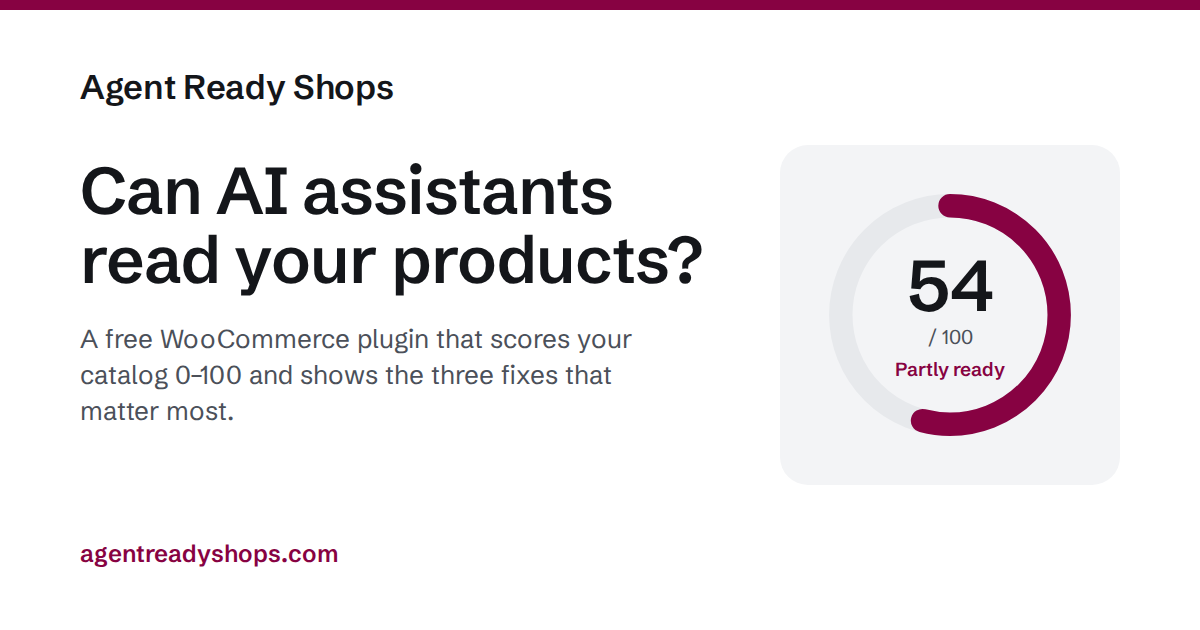
The score on the homepage (54/100 across 212 products) is a sample for illustration, not real data. Your own score will tell you more.
Running a Shopify store instead? Check your Shopify store with the free audit there. It needs no install and no sign-in.
Run the free audit on your store and see your own score. It is free, needs no account and runs on your own site.
A feed is only as good as the data behind it. For the free feed plugins and what each checks, see WooCommerce ChatGPT feed plugins compared.